Linear, tactile or clicky: which switch type is right for you?
Switches decide how your keyboard feels and sounds more than anything else. Here is a plain-English guide to the three main types, plus silent switches, so you can choose with confidence.
By Ted · Founder Kanso Type 3 min read
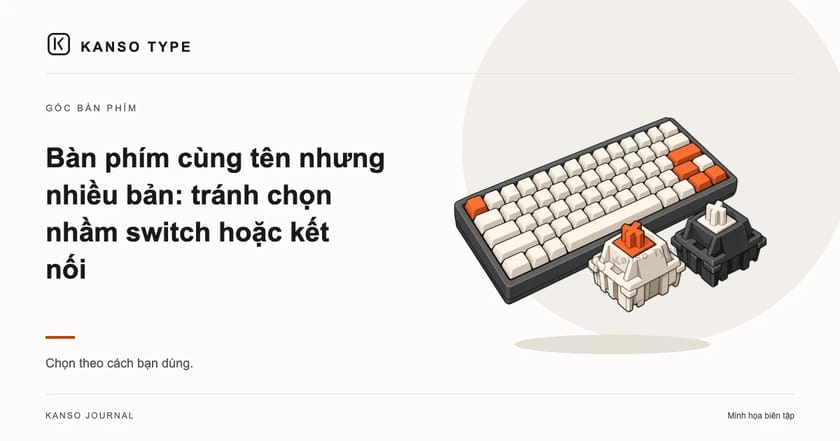
Under every key of a mechanical keyboard sits a small switch. It decides how hard you press, what you feel on the way down and how loud each keystroke is. Almost every switch falls into one of three families: linear, tactile and clicky. Here is how to tell them apart.
Linear: smooth from top to bottom
A linear switch moves straight down with no bump and no click. The only thing you feel is the spring getting a little firmer as you press. Linears are popular with gamers because nothing gets in the way of fast, repeated presses, and with typists who love a smooth, "buttery" feel.
- Good for: gaming, fast typing, a deep and muted sound.
- Try: Akko CS Jelly Pink (light, 45 g) or Akko V3 Cream Yellow Pro (50 g, lubed at the factory).
Tactile: a bump you can feel
A tactile switch has a small bump partway down the press, right around the point where the key registers. You feel that the keystroke "counted" without needing to press all the way to the bottom. Many people find tactiles the most satisfying for long writing sessions.
- Good for: typing, programming, anyone who likes clear feedback.
- Try: Akko CS Lavender Purple for a light, gentle bump, or Akko V3 Cream Blue Pro for a bump you clearly notice.
Clicky: a bump and a click
A clicky switch adds a crisp click sound at the bump. It is the classic "mechanical keyboard" sound, and it is genuinely fun to type on. It is also loud: if you share an office, take video calls or stream, your colleagues and microphone will hear every word you type.
- Good for: solo desks, people who love audible feedback.
- At Kanso Type: we do not stock clicky switches right now. If you love the click, try one at a local shop first.
What about silent switches?
Silent switches have small rubber dampeners inside. They soften the sound when the key hits the bottom and when it springs back up. They are the best choice for shared rooms, late-night typing and calls. Try the Akko Penguin, a silent tactile.
Numbers worth knowing
| Spec | What it means | Typical range |
|---|---|---|
| Actuation force | How hard you press before the key registers | 35–67 g |
| Bottom-out force | Force needed to press all the way down | 45–72 g |
| Total travel | How far the key moves | 3.5–4 mm |
| Factory lubed | Lubricated at the factory for a smoother feel | Yes / No |
Lighter switches (around 40–45 g) feel quick and easy. Heavier ones (55 g and up) help if you tend to press keys by accident or rest your fingers firmly on the keyboard.
Still not sure? Try before you commit
Reading about switches only gets you so far. Buy a pack of each of your two favorites and swap a few keys: on a hot-swap board it takes minutes. Most people know their favorite after a day of typing.
Quick recommendations
- First mechanical keyboard, mostly typing: a light tactile or a smooth linear.
- Gaming: a linear around 40–50 g.
- Shared office or calls: a silent switch.
- You love noise and live alone: clicky, without a doubt.
And remember: if your keyboard is hot-swap, you can change switches later without soldering, so your first choice is never a permanent one.
Not sure which one to pick?
Tell us which keyboard you use now, how you like to type and roughly how much you want to spend. Kanso will suggest a few options to make the choice easier.