A gaming keyboard at work: inspect the active modes
Gaming branding does not make a board unsuitable for work.
By Ted · Founder Kanso Type 1 min read
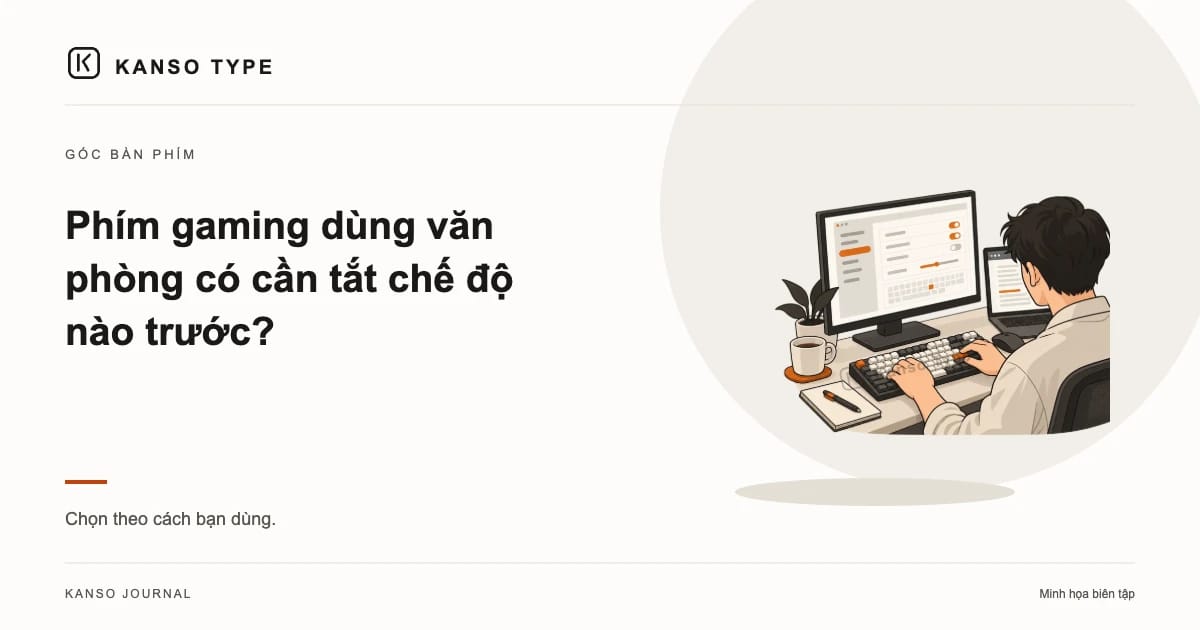
Gaming branding does not make a board unsuitable for work. Check any Windows-key lock, remaps, macros and model-specific sensitivity features against the actions you need. Do not disable everything merely because of its category.
Preserve a known baseline
Save supported settings and test text, modifiers and system keys in dummy content. Use exact-model instructions for mode switches and magnetic-keyboard configuration. Keep lighting that suits your preference and workplace rules. Change only features with a clear reason and record recovery. A simple working setup can include useful features rather than requiring their wholesale removal.
Not sure which one to pick?
Tell us which keyboard you use now, how you like to type and roughly how much you want to spend. Kanso will suggest a few options to make the choice easier.